
The Witch's Bakery Discord: How to Join The Community
Join The Witch's Bakery discord to follow game news, meet fellow bakers, and find help. Learn where to get the invite and avoid launch-day save problems.
Jump to
How to Join The Witch's Bakery Discord
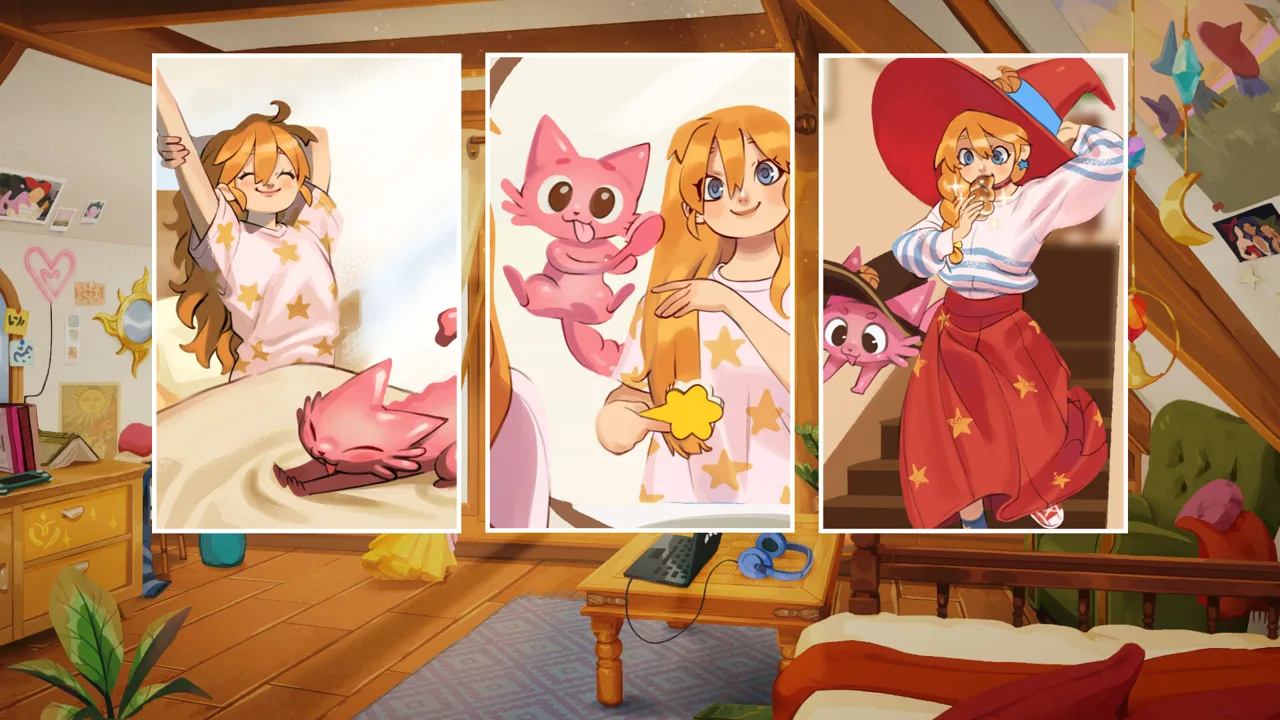
Looking for The Witch's Bakery discord so you can talk magical bread, compare bakery decorations, or get help with Lunne’s adventure? The Witch's Bakery discord brings those conversations together, with game news and a community built around this cozy Parisian adventure. To join, open the game’s Steam Discussions, find the pinned FAQ, and use its Discord invitation.
The shared server invite code is 2MJVrTKHbX. Keep the pinned FAQ handy as your route back to the community, especially if an older invitation stops working.
You can begin at The Witch’s Bakery Steam page and navigate to Discussions. The FAQ includes the Discord entry alongside the game’s other social channels, so you can reach the community while checking answers to common questions.
| Step | What to do | What you’re looking for |
|---|---|---|
| Open the game’s Steam page | Navigate to its Discussions area | The game’s community discussions |
| Find the pinned FAQ | Open the frequently asked questions thread | The social media question |
| Follow the Discord invitation | Use the Discord entry in that answer | The Witch’s Bakery server |
Once you arrive, read the server’s rules before posting and look through the existing conversations. For development news, look for dev-update within The Witch’s Bakery category. That gives you a specific starting point instead of leaving you to hunt through every conversation.
Keep your opening message simple. Mention whether you’re starting a fresh adventure, exploring Paris, or looking for help with a particular problem. If you want gameplay advice, include your chapter and ask for a spoiler-free answer.
You don’t need to know every character or recipe to participate. A question about Lunne’s daily routine is just as useful a conversation starter as a detailed discussion of her magical abilities.
Find Game News and Community Activities
The Witch's Bakery discord is a place to follow game news and meet other people enjoying Lunne’s story. Start with development updates, then explore the conversations that interest you.
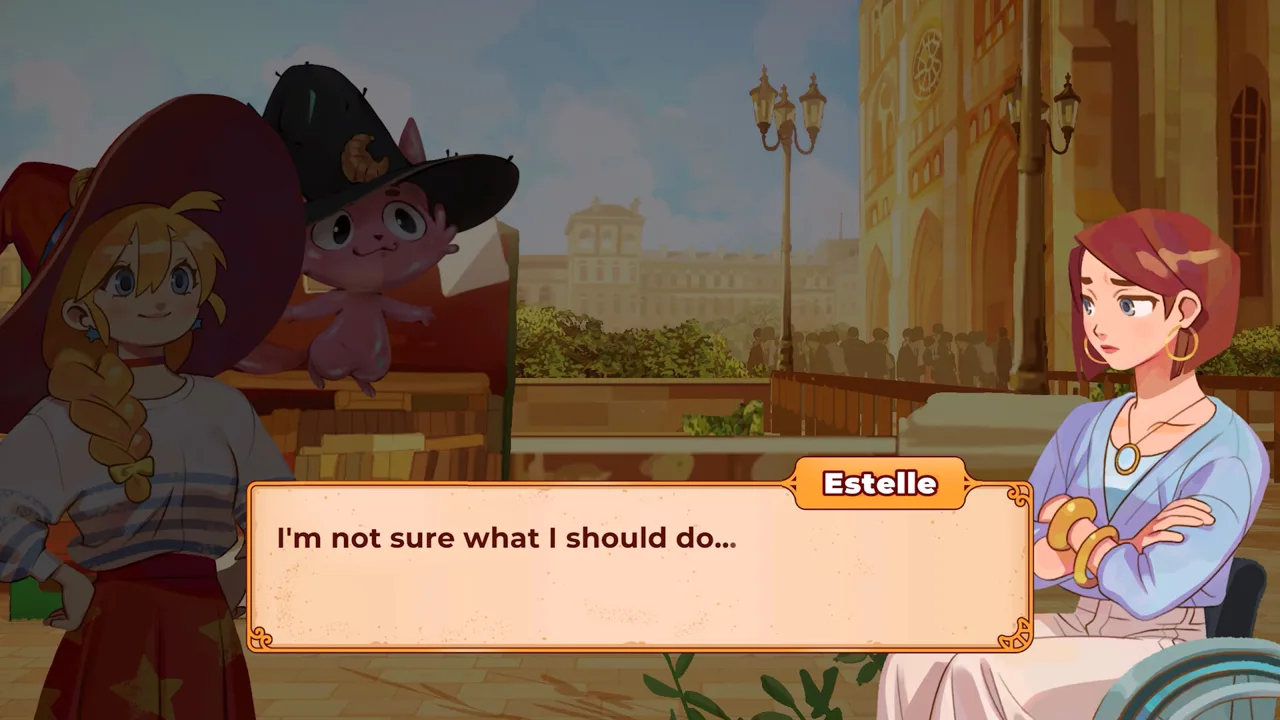 Image: Steam / Sunny Lab
The game launched digitally on October 14, 2026. With players now working through its story, keep an eye on current announcements when looking for information about fixes, platform releases, and community activities.
Read dates carefully. A development update written before launch can still be interesting, but a release announcement or newer troubleshooting notice is more relevant when you’re trying to solve a problem today.
The community has also hosted activities around the game. A May 2026 giveaway offered three game copies and invited players to participate through the server. For any event you encounter, read its own instructions and dates before entering.
Give yourself a clear reason to check in:
- Read development updates when you want news about the game.
- Join character conversations when you want to discuss the story.
- Ask a focused question when you need help with a mechanic.
- Review event details before participating in a giveaway.
If you’re mainly there for announcements, start with the latest update rather than reading the entire conversation history. If you’re there to chat, introduce the part of the game that caught your attention: the Paris setting, the magical baking, or the friendships.
For a game centered on emotional connections, those small details make natural conversation starters. “Which bakery decoration style are you using?” gives another player something concrete to answer. “I just started—what should I know?” works better when you add that you want to avoid story spoilers.
Keep troubleshooting questions equally focused. Describe the issue first, then add the context needed to understand it. That makes your message easier to respond to without turning a simple question into a long exchange.
What to Talk About Beyond Updates
The Witch's Bakery discord has plenty of conversation material beyond release news. Lunne’s adventure combines bakery work, city exploration, friendships, and magical journeys into troubled hearts.
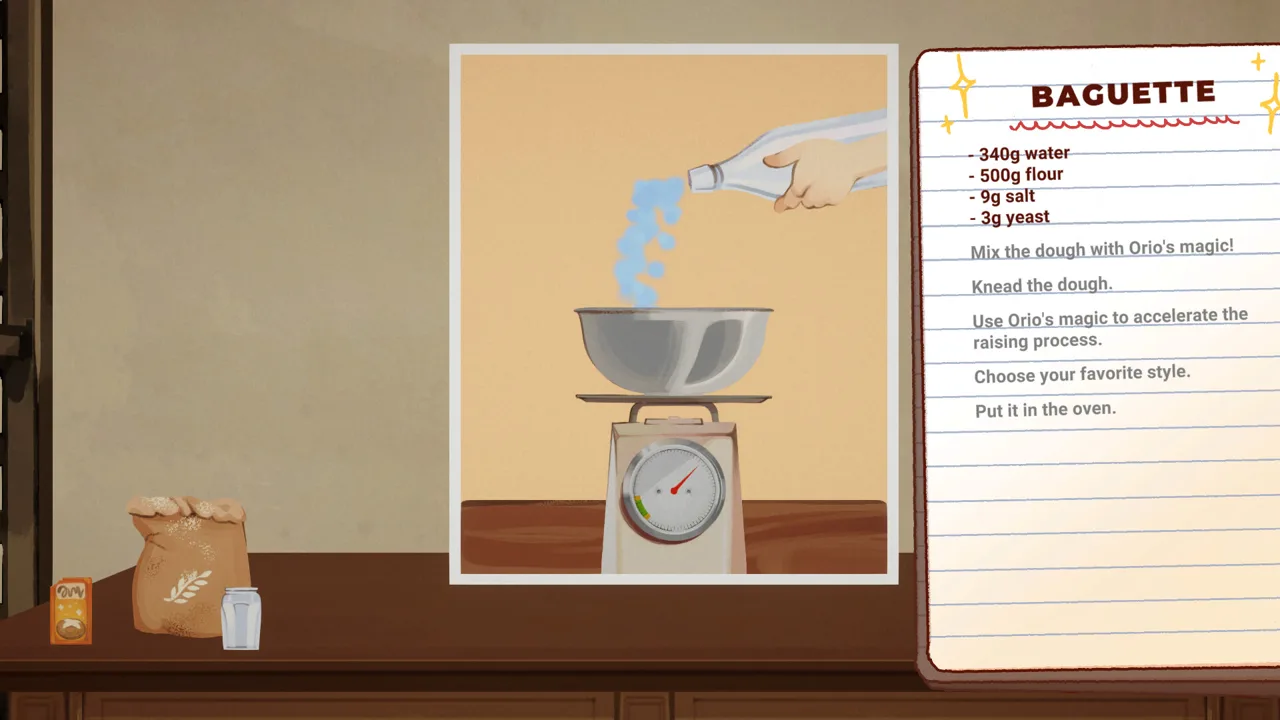 Image: Steam / Sunny Lab
The game follows a three-part daily rhythm. Use that structure when asking questions so other players can understand exactly where you are.
| Part of the day | What Lunne does | Conversation starter |
|---|---|---|
| Daytime | Works in the bakery and helps customers | Ask about handling orders or preparing dough |
| Evening | Explores Paris and builds relationships | Discuss locations and character interactions |
| Night | Rests, improves her magic, and decorates | Share bakery styles or discuss atelier activities |
During bakery hours, dough preparation and customer orders give you practical things to discuss. If you’re struggling to keep up, explain whether your question concerns preparing dough, serving customers, or a particular treat. A specific description gives people a clearer question to answer.
Decorating offers another easy entry into the community. The game includes different furnishing styles, including Art Deco and Fantasy collections. Ask how other players combine those looks, or describe the atmosphere you want for Lunne’s bakery.
Paris exploration gives you a different kind of conversation. Each district has its own characters, shops, and activities. Mention the location you’re discussing so another player doesn’t mistake a question about one neighborhood for a question about the entire city.
Heart Palaces need more care. These magical spaces turn a character’s emotions and thoughts into places Lunne can explore. Helping someone there means guiding a personified Emotion toward the Heart’s Cradle and discovering an ingredient for healing bread.
Ask for the smallest hint you need. Say whether you want help with your immediate objective or a fuller explanation. That lets you get unstuck while keeping the character’s emotional story intact.
The same consideration applies to relationships. Estelle is a romance option, and Lunne meets her in Chapter 2. Put your chapter near the beginning of a relationship question, and avoid placing later developments in the opening line.
Remember that The Witch’s Bakery is single-player. Community conversations let you share the experience, but the game itself is a story-focused solo adventure. Use the server to trade ideas and reactions while moving through Lunne’s journey at your own pace.
Get Help and Avoid the Demo Save Problem
If you’re joining The Witch's Bakery discord because the game gets stuck, check whether you previously played the demo before spending time describing the problem.
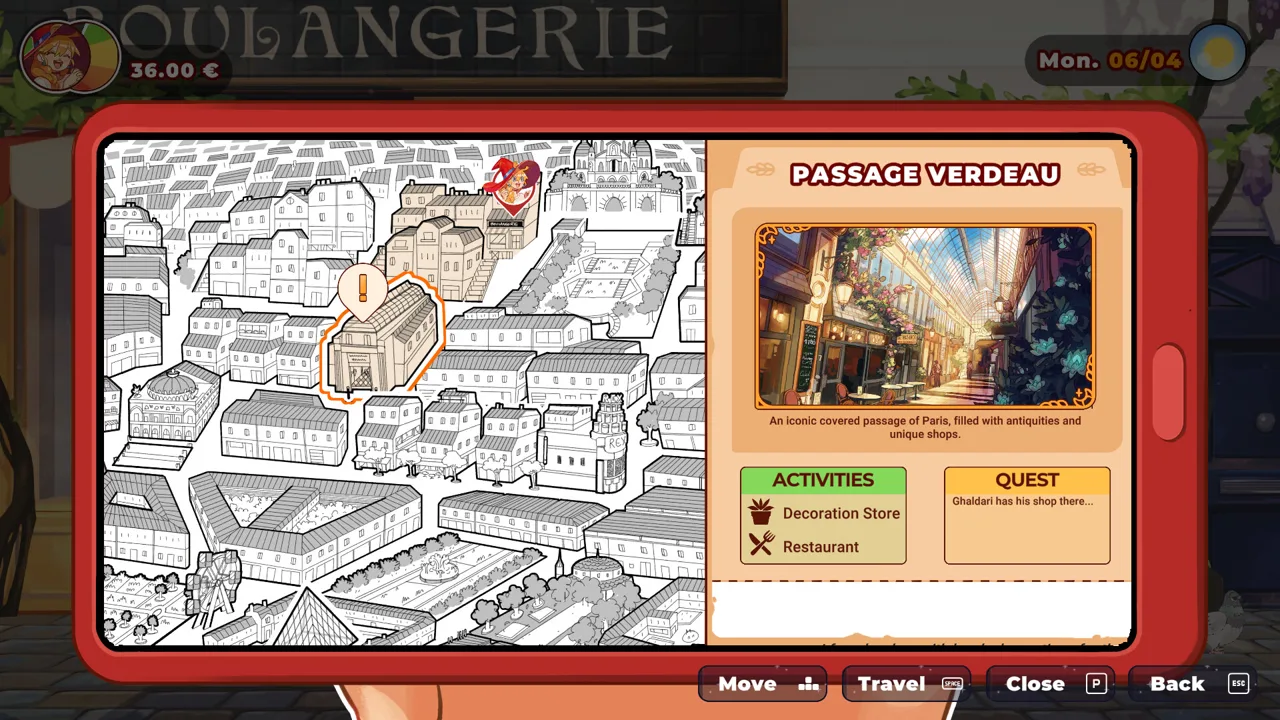 Image: Steam / Sunny Lab
Demo saves are incompatible with the full game. The full release can recognize an old demo save and display a Continue option, but loading that save can eventually block progress. Start a new game in the full version.
Steam players should also check the selected game version. The required branch is Default Public Version.
| Check | What to do | Why it matters |
|---|---|---|
| Steam game version | Right-click the game in your library, open Properties, then Game Versions & Betas | Lets you check the selected branch |
| Selected branch | Use Default Public Version | Places you on the public release branch |
| Previous demo progress | Start a new game in the full release | Demo saves can cause bugs and stalled progress |
The demo branch has been removed, but that change does not remove old demo saves. Seeing Continue therefore isn’t a reason to carry your demo adventure into the full game.
For other bugs, use Steam Discussions to report the issue. Search for an existing report first. If someone has already described the same problem, add your experience to that thread rather than opening another one.
The Witch's Bakery discord also gives you a place to reach out about issues. Keep the distinction practical: use community conversation for help understanding what’s happening, and follow the launch guidance to put bug reports in Steam Discussions.
When writing a report, include details that help someone recognize the problem:
- Your platform.
- Whether you started a fresh game or loaded demo progress.
- The location or activity involved.
- What you expected to happen.
- What happened instead.
- The actions immediately before the issue.
For example, “I’m on Steam, using a new full-game save, and the problem happens during bakery service” is more useful than “My game is broken.” Add the particular action that triggers it rather than guessing at the underlying cause.
Keep your follow-up in the same discussion when it concerns the same issue. If another player asks for clarification, answer with the relevant detail so the conversation stays readable.
Keep Platform and Release Questions Clear
The Witch's Bakery discord is also useful when you want to discuss where to play. Be specific about the version you mean, particularly when talking about PC, consoles, and the upcoming mobile edition.
The game is available on Steam, PlayStation 5, Xbox Series X/S, Nintendo Switch, and Nintendo Switch 2. Digital editions launched on October 14, 2026, with physical editions scheduled for October 16.
| Version or format | Platform details | Release timing |
|---|---|---|
| Digital PC and console editions | Steam, PS5, Xbox Series X/S, Nintendo Switch, Nintendo Switch 2 | October 14, 2026 |
| Physical editions | PS5, Nintendo Switch, Nintendo Switch 2 | October 16, 2026 |
| Mobile edition | iOS and Android through Crunchyroll Game Vault | Coming after the PC and console launch |
When discussing physical copies, name the console and format. The Nintendo Switch 2 physical edition uses a Game Key Card, a useful detail when you’re comparing purchases.
For mobile questions, name Crunchyroll Game Vault so the conversation stays focused on the announced iOS and Android release. Follow current development updates for mobile launch news.
If you’re choosing a language, the game supports English, French, Italian, German, Spanish, Japanese, Brazilian Portuguese, and Simplified Chinese. Mention your selected language when asking about a particular line of dialogue or interface text.
Keep platform questions separate from story questions whenever possible. Someone comparing editions needs different information from someone asking about a Heart Palace. A clear opening sentence helps other players decide whether they can help.
For purchasing, use The Witch’s Bakery on Steam or visit Sunny Lab’s game website to explore the game and its platform options.
FAQ
How do I join The Witch's Bakery discord?
Open the game’s Steam Discussions and find the pinned FAQ. Its social media answer includes the Discord invitation. The shared invite code is 2MJVrTKHbX.
Where should I look for development updates?
Look for dev-update inside The Witch’s Bakery category on the server. Start with recent posts when you’re checking release information, fixes, or community activities.
Can Discord help if my demo save gets stuck?
You can reach out about problems, but start a new game if you carried over demo progress. Demo saves are incompatible with the full release. On Steam, also check that you’re using Default Public Version under Properties and Game Versions & Betas.
Should I report bugs on Discord or Steam?
Use Steam Discussions for bug reports, following the game’s launch guidance. Check for an existing report and add your experience there if it matches. You can also reach out through Discord for help with an issue.
Continue with
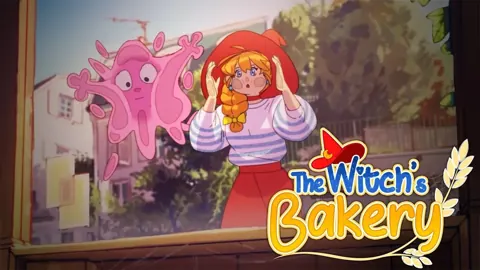 The Witch's Bakery Instagram: Official Account GuideFind The Witch's Bakery Instagram account, follow Sunny Lab's launch updates and behind-the-scenes posts, and learn where to get help with game issues.
More in Community
See all CommunityQuick access
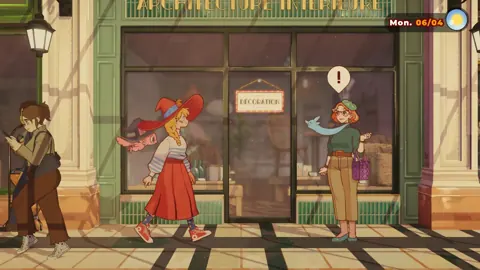
The Witch's Bakery Beginner Guide: 10 Essential Tips
The Witch's Bakery beginner guide covers dough, customer patience, recipes, and Heart Palaces. Start strong with practical tips for starting out in Paris.
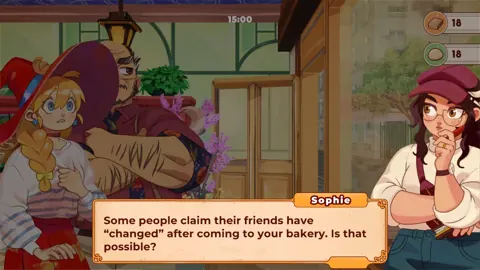
The Witch's Bakery Release Date: Platforms & Prices
The Witch's Bakery release date was October 14, 2026. Explore digital and physical editions, platforms, pricing, and useful tips before you start playing.
The Witch's Bakery Android: Mobile Release Explained
The Witch's Bakery Android is coming via Crunchyroll Game Vault. Learn about release timing, magical baking, and Lunne's story before you play on mobile.
The Witch's Bakery Game Key Cart: Physical Copy Guide
The Witch's Bakery game key cart guide: compare physical editions, check Switch 2 Game Key Card details, and review release dates and prices before buying.
Join the community
Official channels for news, updates and player help: