
The Witch's Bakery Twitter: Official Account & News
Find The Witch's Bakery twitter account, follow Sunny Lab's launch updates, check the demo save warning, and learn where to get help with bugs and issues.
Jump to
What Is The Witch’s Bakery Twitter Account?
Looking for The Witch's Bakery twitter account? Follow @SunnyLabGames on X, formerly Twitter, for developer announcements about Lunne’s magical Parisian adventure. The Witch's Bakery twitter feed matters beyond trailers: its launch-period posts include an important warning for anyone moving from the demo to the full game.
Sunny Lab is the developer behind this cozy narrative adventure RPG, while Silver Lining Interactive is its publisher. The account uses the game’s name in its display name, so look for @SunnyLabGames when searching rather than relying on the profile title alone.
| Account detail | What to look for |
|---|---|
| Developer handle | @SunnyLabGames |
| Platform | X, formerly Twitter |
| Display name in October 2026 | 🥐The Witch's Bakery - Steam, Switch, PS5, Xbox! |
| Game hashtag | #TheWitchsBakery |
| Steam app ID | 2967950 |
The profile connects the studio with Lunne, the cheerful witch opening a bakery in modern Paris. Its bio also points toward the game’s Steam page. Those details help you distinguish the developer’s account from players discussing the game or sharing screenshots.
To follow it, open X, search for the handle, and select Follow on the profile. Enable account notifications if you want announcements to appear without checking the feed manually.
Keep the Sunny Lab website bookmarked alongside it. The website gives you another direct route to the game and its platform options.
For a quick account check, remember the handle: The Witch's Bakery twitter presence is under Sunny Lab’s studio name.
What Updates Should You Watch For?
The Witch's Bakery twitter feed covers release announcements, trailers, community milestones, and practical messages for players. Around launch, the most useful habit is to read recent posts before scrolling through older promotional material.
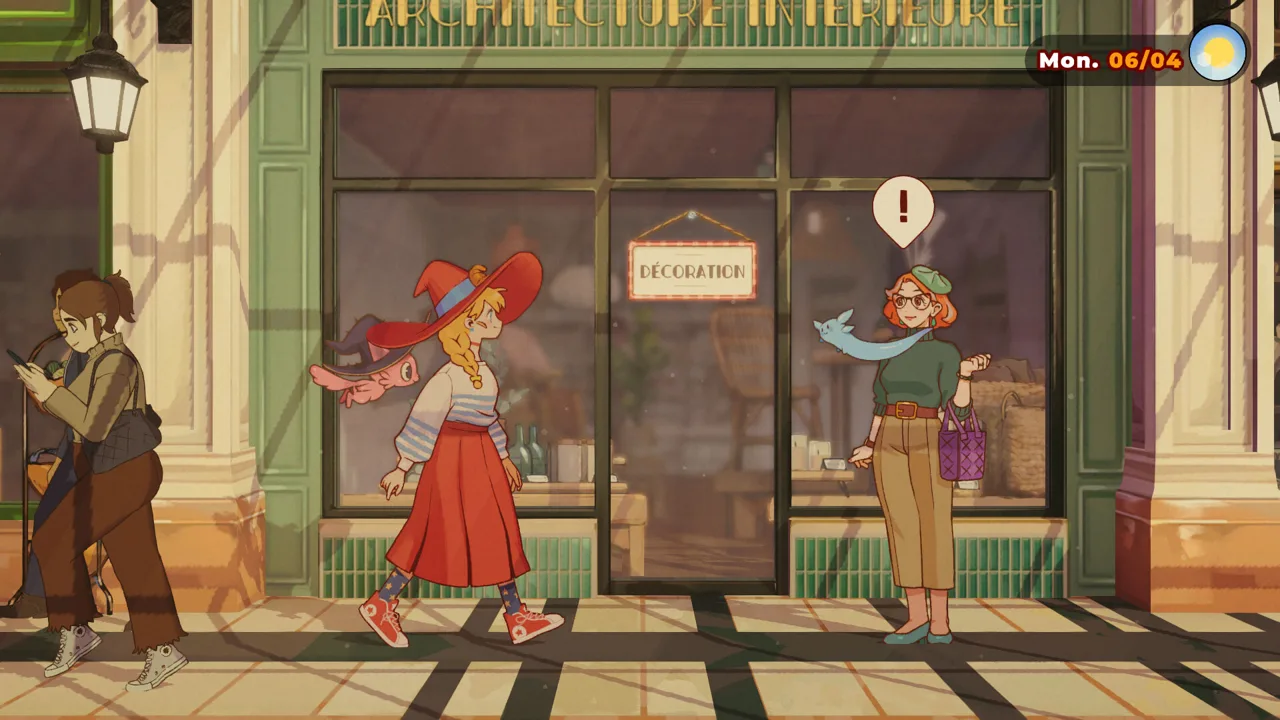 Image: Steam / Sunny Lab
The game’s digital release was October 14, 2026. Physical editions were scheduled for October 16, 2026, while the mobile version remains an upcoming release through Crunchyroll Game Vault.
| Announcement topic | Details to know |
|---|---|
| Digital release | October 14, 2026 |
| Physical editions | October 16, 2026, for PS5, Nintendo Switch, and Nintendo Switch 2 |
| PC and console platforms | Steam, PS5, Xbox Series X/S, Nintendo Switch, and Nintendo Switch 2 |
| Mobile release | Coming later to iOS and Android through Crunchyroll Game Vault |
| Demo transition | Start a new game in the full release |
Read Dates Before Acting on a Post
The account’s pinned post in the October profile snapshot was a June release-date announcement. More recent posts included the October launch announcement and the warning for demo players.
Read the date attached to any announcement you open. A pinned trailer can introduce the game beautifully, but the newer launch instructions matter when you are preparing to play.
This also applies to wishlist reminders and demo promotions. The game has moved into its release period, so check recent messages when deciding what to download or whether an older announcement still applies to your situation.
Follow Mobile News Separately
Waiting to play on a phone? Watch for a dedicated mobile release announcement. The iOS and Android versions are coming through Crunchyroll Game Vault after the PC and console launch.
Keep those announcements separate from October’s digital launch posts. A general celebration of the game’s release does not give you a mobile launch date.
For PC purchases and downloads, use the The Witch’s Bakery Steam page. Check the store for your chosen platform before buying, especially if you are deciding between a digital copy and a physical edition.
Played the Demo? Check This Before Continuing
One of the most useful launch messages on The Witch's Bakery twitter concerns demo save compatibility. If you played the demo, start a fresh adventure in the full game.
 Image: Steam / Sunny Lab
The full release can recognize an old demo save and display a Continue button. However, the demo and full-game saves are incompatible, and continuing that old save can cause the game to become stuck later.
That makes this more than a minor preference about how to begin. Follow the launch instructions before investing more time in an existing demo run.
| Step | What to do on Steam |
|---|---|
| Open the game’s settings | Right-click The Witch’s Bakery in your Steam library and select Properties |
| Check the installed branch | Open Game Versions & Betas |
| Use the release version | Select or verify Default Public Version |
| Begin the full game | Choose a new game instead of continuing the demo save |
Sunny Lab removed the demo branch version to prevent players from launching the wrong build. That change does not alter the old save, so starting a new game still matters.
Do not use the presence of Continue as proof that a demo save is suitable for the full release. The game detecting a file and the game supporting that file are separate issues here.
If you encounter trouble after following these steps, use Steam Discussions or the game’s Discord to reach out. Include whether you previously played the demo and whether you started a new game.
Check this warning before troubleshooting individual puzzles, character interactions, or story events. Following the correct release setup gives you a clear starting point when describing a separate problem.
Where to Ask Questions and Report Bugs
Use The Witch's Bakery twitter for announcements, then choose the appropriate community channel when you need help. Sunny Lab’s launch instructions direct bug reports to Steam Discussions and also welcome players to reach out through Discord.
 Image: Steam / Sunny Lab
The game’s Steam Discussions FAQ contains the Discord invitation. Open the game’s community area through Steam, find the pinned FAQ, and use its invitation to join the bakery community.
| Channel | Available information or activity |
|---|---|
| @SunnyLabGames on X | Developer posts, trailers, launch news, and community updates |
| Steam announcements | Release messages, purchase information, and demo instructions |
| Steam Discussions | Bug reports, existing issue threads, and the pinned FAQ |
| The Witch’s Bakery Discord | Community conversation, game news, and help |
| Sunny Lab website | Game overview and platform links |
Check Existing Bug Threads First
Before opening a new Steam discussion, search for the problem you are experiencing. If another player has already reported the same issue, add your experience to that thread.
That is the reporting process the team requested at launch. Keeping matching reports together helps the developers track a problem without having to piece it together across separate conversations.
When adding your own details:
- Describe the action that triggered the problem.
- State what happened and what you expected.
- Mention your platform.
- Explain whether your run began with a demo save or a new game.
Keep story details out of the opening line when possible. A clear description of the technical problem gives other players something useful to recognize without immediately revealing a character’s emotional journey.
Separate Announcements From Troubleshooting
A reply beneath a trailer can quickly become buried among reactions and general questions. Put a bug report in the channel the developers requested, then follow announcements for subsequent news.
The Witch's Bakery twitter account remains useful for seeing messages the team wants players to notice. Steam Discussions gives your particular issue a dedicated conversation.
Follow the Community Without Spoiling Your Adventure
There is plenty to discuss beyond release dates. The Witch’s Bakery follows Lunne as she serves customers, explores Paris, builds relationships, and uses magical baking to help people with emotional struggles.
Its daily structure gives you several recognizable topics to look for when browsing community posts:
| Part of the day | What Lunne does |
|---|---|
| Daytime | Works in the bakery and helps customers |
| Evening | Explores Paris, develops relationships, and enters troubled hearts |
| Night | Rests, improves magic, decorates, and spends time in her atelier |
The game is a single-player, story-focused adventure with approachable gameplay. Expect baking and customer service alongside conversations and emotional stories.
Browse Character Art Before Story Discussions
If you enjoy development details, look for character-design posts. Lunne’s design includes a bread-shaped braid and a croissant detail on her witch hat, tying her appearance to her baking.
Those details offer something fun to notice without needing to read through later story events. Keep your browsing focused on artwork and announcements if you want to discover relationships and Heart Palaces during your own playthrough.
Heart Palaces turn a character’s emotions and thoughts into a magical space. Lunne explores those spaces to help people and find an ingredient for healing bread. Give yourself room to encounter those stories in the game before reading detailed discussions about them.
Use Gameplay Questions Precisely
When you do need gameplay help, narrow your question to the task in front of you. “How do I keep dough available during service?” is easier to answer without spoilers than a broad request to explain an entire chapter.
During bakery shifts, prepare dough early, prioritize products in demand, and keep an eye on cleanliness once that mechanic is introduced. If customers become impatient, talk to them and prioritize their orders.
For recipe, exploration, or character questions, name the location or immediate objective while avoiding later plot details.
Keep Your Update Routine Simple
You do not need to monitor every platform to stay connected. Follow @SunnyLabGames, check Steam announcements when returning to the game, and open the pinned FAQ when you need community access.
Use The Witch's Bakery twitter for quick developer updates and Steam Discussions for focused troubleshooting. That leaves more time for the actual adventure: stocking the bakery, wandering Paris, and getting to know Lunne’s friends.
FAQ
What is the official The Witch's Bakery twitter handle?
The developer’s account is @SunnyLabGames on X. Its display name includes The Witch’s Bakery, and its game hashtag is #TheWitchsBakery. Search by the handle to find the studio’s profile.
Can I continue my demo save in the full game?
Start a new game. Demo saves are incompatible with the full release and can cause progress problems, even when a Continue button appears. On Steam, also check that you are using the Default Public Version under Game Versions & Betas.
Where should I report a bug?
Post in the game’s Steam Discussions. Check for an existing report first and add your experience there if the same issue is already being discussed. You can also reach out through the game’s Discord, accessible from the pinned Steam FAQ.
Is The Witch’s Bakery available on mobile?
The game is coming to iOS and Android through Crunchyroll Game Vault after its October 14, 2026, PC and console launch. Follow Sunny Lab’s announcements for the mobile release date.
Continue with
 The Witch's Bakery Discord: How to Join The CommunityJoin The Witch's Bakery discord to follow game news, meet fellow bakers, and find help. Learn where to get the invite and avoid launch-day save problems.
More in Community
See all CommunityQuick access
The Witch's Bakery Beginner Guide: 10 Essential Tips
The Witch's Bakery beginner guide covers dough, customer patience, recipes, and Heart Palaces. Start strong with practical tips for starting out in Paris.
The Witch's Bakery Release Date: Platforms & Prices
The Witch's Bakery release date was October 14, 2026. Explore digital and physical editions, platforms, pricing, and useful tips before you start playing.
The Witch's Bakery Android: Mobile Release Explained
The Witch's Bakery Android is coming via Crunchyroll Game Vault. Learn about release timing, magical baking, and Lunne's story before you play on mobile.
The Witch's Bakery Game Key Cart: Physical Copy Guide
The Witch's Bakery game key cart guide: compare physical editions, check Switch 2 Game Key Card details, and review release dates and prices before buying.
Join the community
Official channels for news, updates and player help: