
The Witch's Bakery Instagram: Official Account Guide
Find The Witch's Bakery Instagram account, follow Sunny Lab's launch updates and behind-the-scenes posts, and learn where to get help with game issues.
Jump to
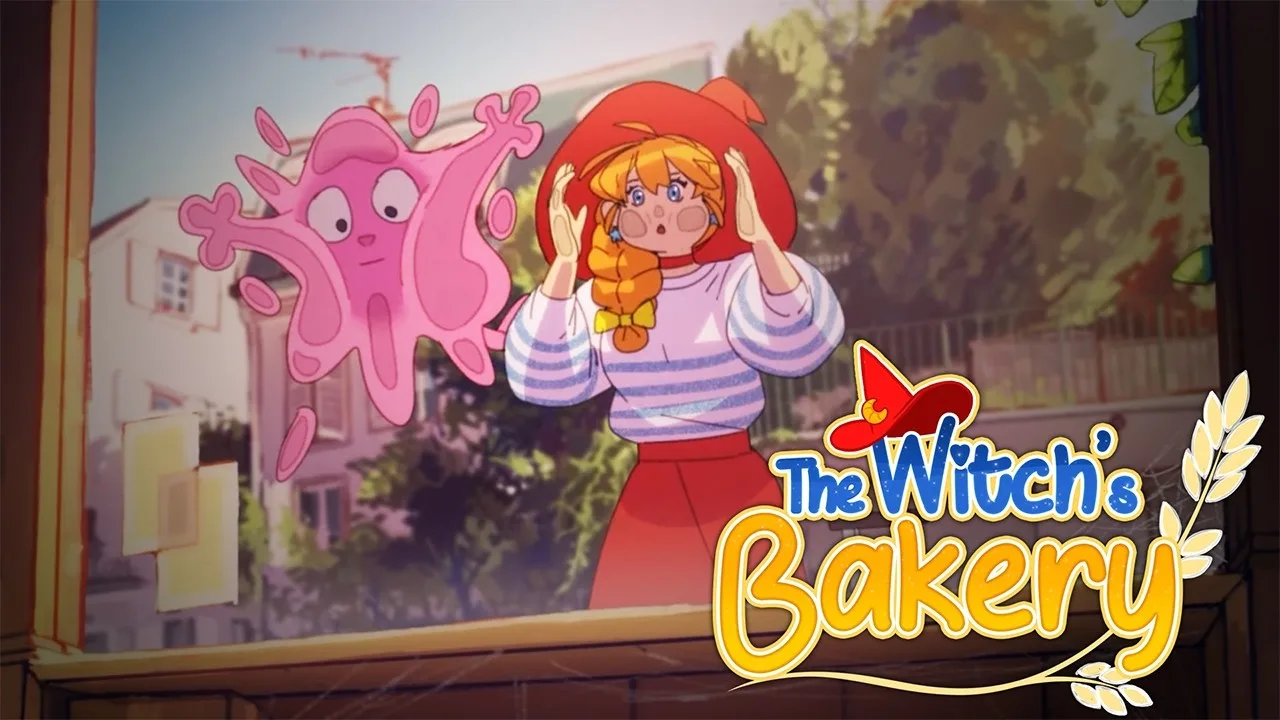
Where to Find The Witch's Bakery Instagram
Looking for The Witch's Bakery Instagram? Follow @sunnylabgames, the developer’s account, to keep up with launch celebrations, studio news, and glimpses behind Lunne’s magical bakery. The Witch's Bakery Instagram also gives you an easy way to stay connected with Sunny Lab between your own baking shifts and evening walks through Paris.
The account uses the studio’s name rather than the game’s title. That distinction matters when you’re searching: type sunnylabgames into Instagram and check the username before following.
You can also start at The Witch’s Bakery official website. Its “Follow the behind the scenes” section includes the studio’s Instagram feed and a follow button, giving you a direct route from the game’s website to its social account.
| Account detail | What to look for |
|---|---|
| Instagram username | @sunnylabgames |
| Developer | Sunny Lab |
| Game | The Witch’s Bakery |
| Profile description | A French and English indie studio account about a witch opening a bakery in modern Paris |
| Website route | The Instagram feed under “Follow the behind the scenes” |
Check the handle rather than relying on a familiar character portrait or game logo. Searching by the studio name gets you to the team behind Lunne, her bakery, and the colorful Parisian neighborhood around her.
Once you’ve found The Witch's Bakery Instagram, follow the account and browse its recent posts before working backward through older announcements. With the game now released, the date on a post matters: a countdown belongs to the launch buildup, while newer announcements reflect what’s happening after opening day.
What You’ll Find on Sunny Lab’s Feed
Sunny Lab’s feed mixes game announcements with the excitement of making and releasing an indie adventure. Around launch, that includes countdowns, release celebrations, a Steam wishlist milestone, showcase appearances, and work on the game’s artbook.

That variety makes the account useful even after you’ve bought the game. You can keep up with the people making it while enjoying smaller glimpses of the project between play sessions.
| Post topic | Examples from the launch feed |
|---|---|
| Release countdowns | Posts marking the final weeks and days before launch |
| Launch celebrations | Announcements that The Witch’s Bakery is available |
| Community milestones | A celebration of passing 250,000 Steam wishlists |
| Studio projects | A look at work on the game’s artbook |
| Showcase appearances | Posts about taking part in the Convergence Games Showcase |
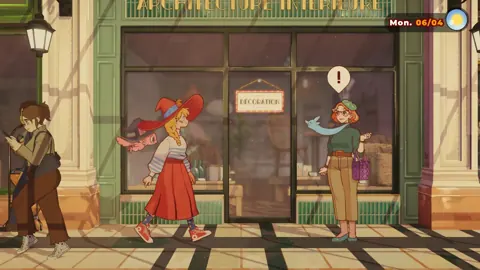
The Witch's Bakery Instagram is especially appealing if the game’s character art and setting caught your attention. Lunne’s design ties her two passions together: her braid resembles bread, and her witch hat carries a crescent-shaped croissant detail. Those touches give you something specific to notice when you browse artwork or plan your own drawing.
Her outfit also connects the magical premise with everyday Paris. A sailor-style top and long skirt sit alongside the tall witch hat, making her look comfortable in the city without hiding her identity.
For more character background, look for Sunny Lab’s Behind the Magic updates across its channels. The Lunne update explores her early sketches, outfit choices, and color palette. Keep those design details in mind when you want to explore the artwork beyond a single screenshot.
Read captions as well as looking at images. A celebratory picture, an artbook preview, and a release announcement serve different purposes, even when they share the same cheerful visual style.
Catch Up on Launch News Before You Play
If you discovered the game through an Instagram countdown, here’s the launch information to bring you up to speed: The Witch’s Bakery released digitally on October 14, 2026, with physical editions scheduled for October 16.

The game follows Lunne, a witch who opens a bakery in modern Paris and uses magical bread to help people with their emotions. Baking, exploring the city, and getting to know its residents all support a story centered on friendships and personal struggles.
| Release detail | Launch information |
|---|---|
| Digital release | October 14, 2026 |
| Physical release date | October 16, 2026 |
| PC platform | Steam for Windows |
| Console platforms | PS5, Xbox Series X/S, Nintendo Switch, and Nintendo Switch 2 |
| Mobile release | Coming later to iOS and Android through Crunchyroll Game Vault |
| Multiplayer | Single-player game |
After browsing The Witch's Bakery Instagram, open the relevant store when you’re ready to purchase. For PC, visit The Witch’s Bakery on Steam to buy the Windows version and access its game community.
Expect a narrative adventure with approachable gameplay. You’ll serve customers, prepare dough, explore Paris, and enter magical Heart Palaces where emotions take physical form. The story and characters are central to the experience, so give yourself room to read conversations rather than rushing from one bakery shift to the next.
Played the demo? Start fresh
There’s an essential launch detail for returning Steam players: demo saves are incompatible with the full game. A visible Continue button does not mean that an old demo save is safe to use; continuing it can lead to the game getting stuck.
Before beginning the full adventure:
- Right-click the game in your Steam Library and open Properties.
- Open Game Versions & Betas and select Default Public Version.
- Launch the game and choose New Game.
The demo branch has been removed, but that change does not remove your existing demo save. Start a new adventure even if the game recognizes your earlier progress.
Choose the Right Community Channel
Following the studio keeps you connected, but different channels serve different needs. Use Instagram for social posts, Steam Discussions for bug reports, and Discord when you want to chat with other bakers.
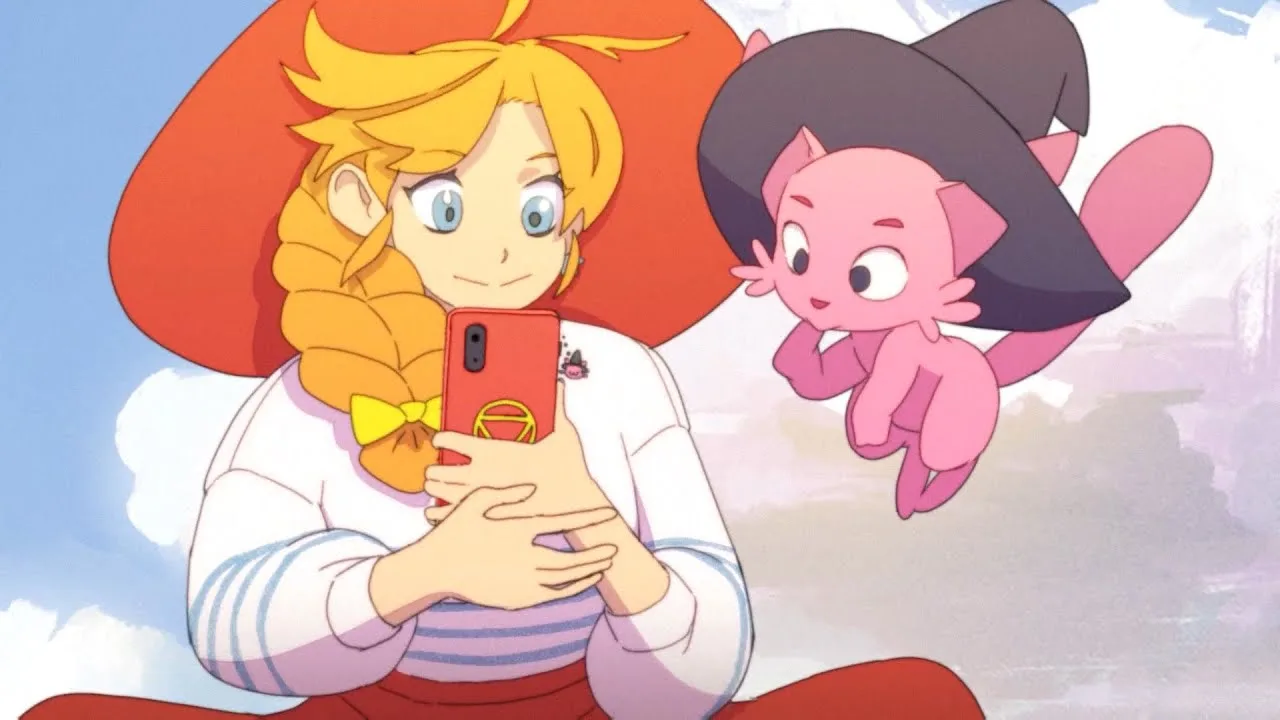
This becomes particularly useful when you need an answer about your own game. A comment beneath a launch illustration and a dedicated discussion about a technical problem give the team very different amounts of context.
| Channel | What you can do there |
|---|---|
| Sunny Lab Instagram | Follow studio posts, launch celebrations, and behind-the-scenes updates |
| Steam Discussions | Report bugs, discuss issues, and read the pinned FAQ |
| The Witch’s Bakery Discord | Chat with the community and follow game news |
| Official website | Find the game overview, platform links, and Instagram feed |
For a gameplay problem, move from The Witch's Bakery Instagram to Steam Discussions. Check whether someone has already opened a thread about the same issue. If a matching discussion exists, add your experience there instead of creating another thread.
When you describe a problem, include practical context:
- Name your platform.
- Explain what you were doing when the problem appeared.
- Mention whether you started a new game or loaded a demo save.
- Describe what you expected to happen and what happened instead.
Those details keep the conversation focused on the issue. For the demo save problem specifically, follow the fresh-start instructions before continuing your adventure.
To join Discord, open the game’s Steam Discussions and find the pinned FAQ. It contains the community invitation alongside the game’s other social channels.
Keep story details out of unrelated support conversations. If your issue involves a later character scene or Heart Palace, flag the spoiler before describing it so other players can choose whether to read further.
Share Your Bakery Adventure Without Spoiling the Story
The Witch’s Bakery gives you plenty to talk about beyond finishing chapters. Your bakery decorations, favorite Parisian streets, and small character-design details can all become conversation starters without revealing the emotional turns of the story.
When you post about the game, use @sunnylabgames to identify the studio. Check the spelling before publishing, and make your caption clear about what you’re sharing: an early impression, a bakery screenshot, a drawing, or a question.
The Witch's Bakery Instagram is a natural place to follow the studio’s side of that conversation. For your own posts, keep the focus on the part of the adventure you want other players to notice.
Pick a specific detail
A focused caption gives people something to respond to. Instead of trying to describe the entire game, choose one element:
- Bakery decoration: Talk about the style you chose or a combination of furnishings you enjoy.
- Paris exploration: Share an appealing street scene without explaining the next story event.
- Character design: Point out details such as Lunne’s bread-shaped braid.
- Daily routine: Describe whether baking, exploring, or experimenting in the atelier has caught your attention.
The game’s daily structure gives those posts a clear frame. Daytime centers on bakery work and helping customers. Evenings take Lunne into Paris to build relationships and explore. At night, she can rest, improve her magic, decorate, and spend time in her atelier.
Choose a moment from that routine and let the screenshot carry some of the story. You don’t need to explain an entire chapter to show why a scene appealed to you.
Keep emotional discoveries behind spoiler warnings
Heart Palaces reveal characters’ private struggles. Their environments and conversations are tied to learning more about the people Lunne helps, so use a spoiler warning before sharing discoveries from inside them.
Keep romance outcomes behind the same boundary. Estelle is a romance option shaped by narrative choices, and players meet her in Chapter 2. Let other players discover how that relationship develops during their own adventure.
For a spoiler-light post, focus on your bakery interior, Lunne’s outfit, or a city view. Save detailed discussions of character histories and relationship outcomes for conversations where everyone has agreed to discuss them.
FAQ
What is The Witch's Bakery Instagram handle?
Follow @sunnylabgames. It is Sunny Lab’s developer account, and you can reach it through the Instagram section on the game’s official website.
Does the game have a separate account under its title?
Use @sunnylabgames to follow Sunny Lab’s posts about The Witch’s Bakery. Searching for the developer’s username is the direct way to find the account associated with the game.
Where should I report bugs?
Use Steam Discussions. Search for an existing report first, then add your experience to the matching thread. If you played the demo, select Default Public Version and start a new game before proceeding.
How do I join The Witch’s Bakery Discord?
Open the game’s Steam Discussions and look for the pinned FAQ, which contains the Discord invitation. The server offers a place to follow game news and chat with fellow players.
Continue with
 The Witch's Bakery Twitter: Official Account & NewsFind The Witch's Bakery twitter account, follow Sunny Lab's launch updates, check the demo save warning, and learn where to get help with bugs and issues.
More in Community
See all Community
Quick access
The Witch's Bakery Beginner Guide: 10 Essential Tips
The Witch's Bakery beginner guide covers dough, customer patience, recipes, and Heart Palaces. Start strong with practical tips for starting out in Paris.
The Witch's Bakery Release Date: Platforms & Prices
The Witch's Bakery release date was October 14, 2026. Explore digital and physical editions, platforms, pricing, and useful tips before you start playing.
The Witch's Bakery Android: Mobile Release Explained
The Witch's Bakery Android is coming via Crunchyroll Game Vault. Learn about release timing, magical baking, and Lunne's story before you play on mobile.
The Witch's Bakery Game Key Cart: Physical Copy Guide
The Witch's Bakery game key cart guide: compare physical editions, check Switch 2 Game Key Card details, and review release dates and prices before buying.
Join the community
Official channels for news, updates and player help: